If you want to use your phone abroad to access the internet, update your social media, or read emails without racking up costs, we recommend setting limits on your data roaming.
There are a few things you can do:
- You can use your calls, texts and data in 47 destinations abroad.
Find out more on our calling charges page. - You might want to think about a BT Mobile data add-on for when you're abroad. It can help keep costs down because you buy several MB of data at once, lowering the price per MB.
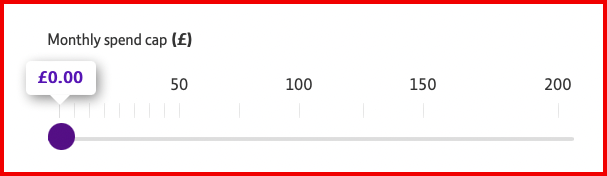
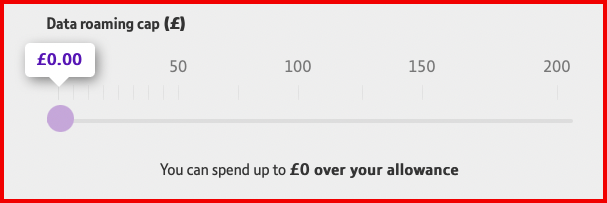
- Set your data roaming spend cap and your SIM monthly spend cap to a minimum of £0 to prevent high data charges. Change your spend cap now.
Once you click the link above, you will need to log into your MyBT account. Then click the settings option, and within it are two sliders you can use to set your spending cap to £0. The top one is for your monthly spend cap, and the second one is for your data roaming cap.
- Turn off roaming on your account by going to the "Manage my spend" section at www.bt.com/mymobile.
I've got charges on my BT Mobile bill, but I haven't been abroad
Occasionally, foreign networks can 'cross over' into the UK, and your phone can pick them up and start using them. That might mean you get charged roaming rates as if you were abroad.
To make sure this doesn't happen to you, we suggest you generally keep roaming turned off and only turn it on when you're actually abroad.